Build on Baseplate.
The modern development environment for Roblox creators. Open the places you've already made in Studio, build with tools that stay out of your way, and export straight back when you're done.
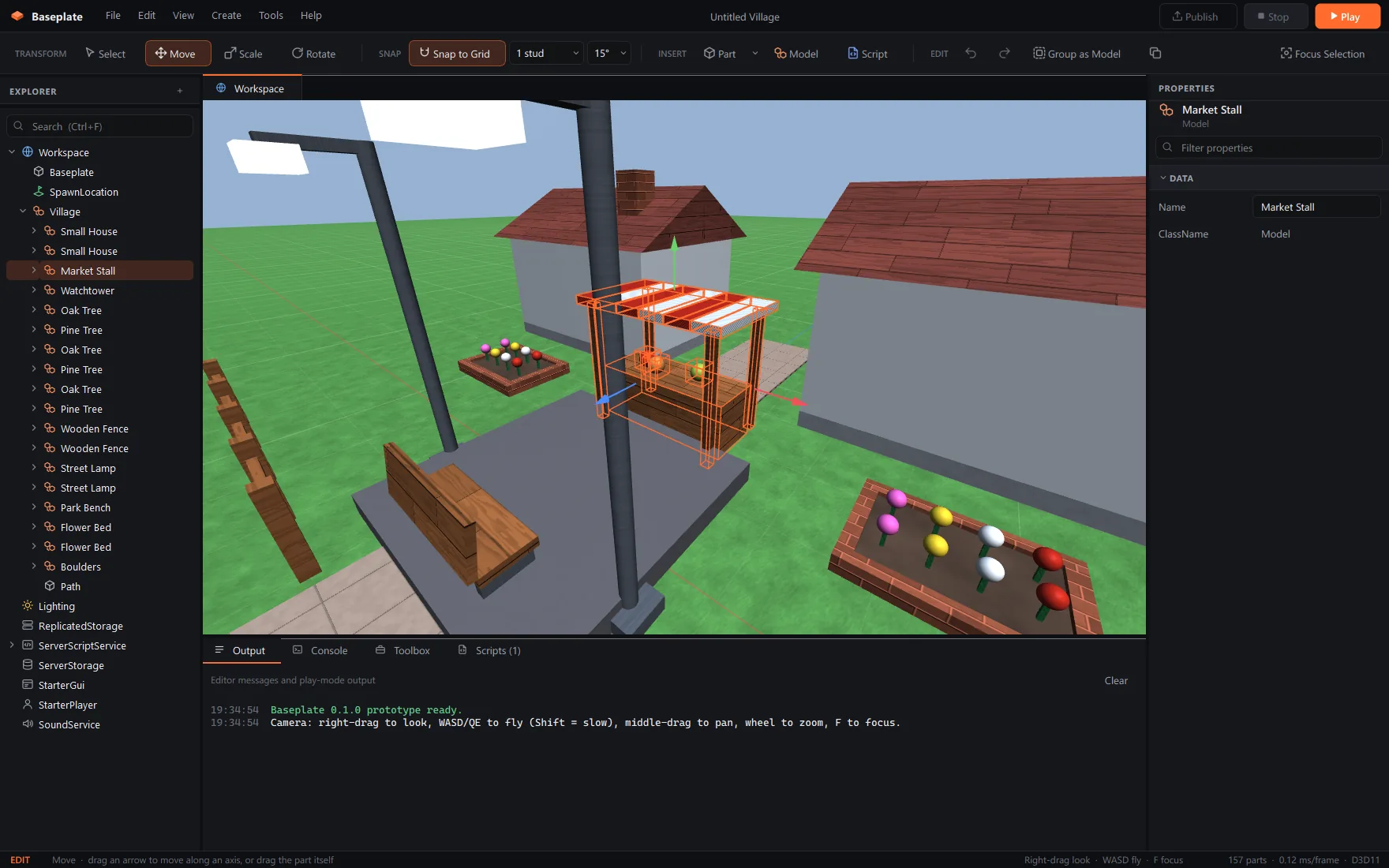
Bring the places you already have.
Baseplate reads Roblox Studio files directly. No converters, no plugins, no copying things across by hand. Open a place, change it, and take it back to Studio.
- Opens
- .rbxl.rbxlx.rbxm.rbxmx
- Exports
- .rbxl.rbxlx
Nothing gets lost on the way back. Baseplate keeps every property it reads, including the ones it can't edit yet, so unions, welds, attributes and everything you didn't touch go back to Studio exactly as they came in. Every release is checked against real places before it ships.
Your key. Your account. Never your password.
- Sign in with Roblox. You sign in on roblox.com through Roblox's official sign-in. Baseplate never sees your password.
- Official Open Cloud API. MeshParts, unions, decals, textures and Roblox's own materials download with an API key from your account, plus your groups' keys for group-owned assets.
- Stored safely, cached after the first load. Keys live in Windows Credential Manager. Big places take a minute once, then open instantly.
Handles you can actually grab.
Big, clear gizmos. Snapping you can see. Undo for everything. If you know Studio, you already know where everything is.
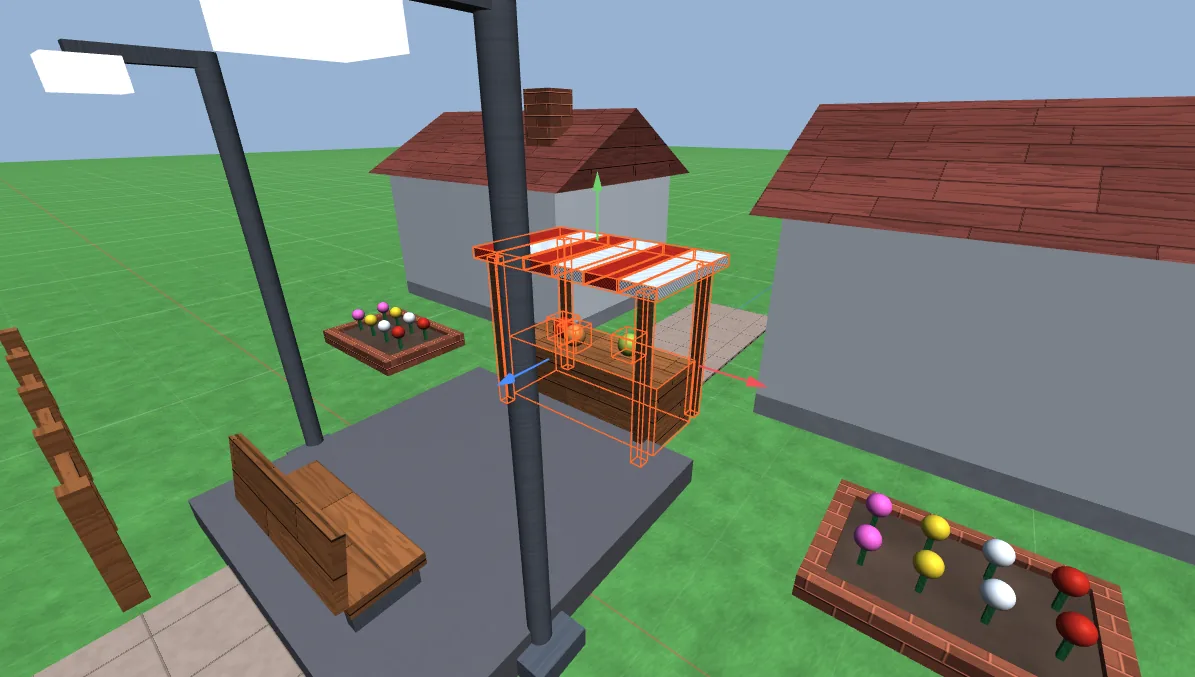
Move
Ctrl 2Drag an arrow to slide along an axis, or grab the part itself to push it across the ground.
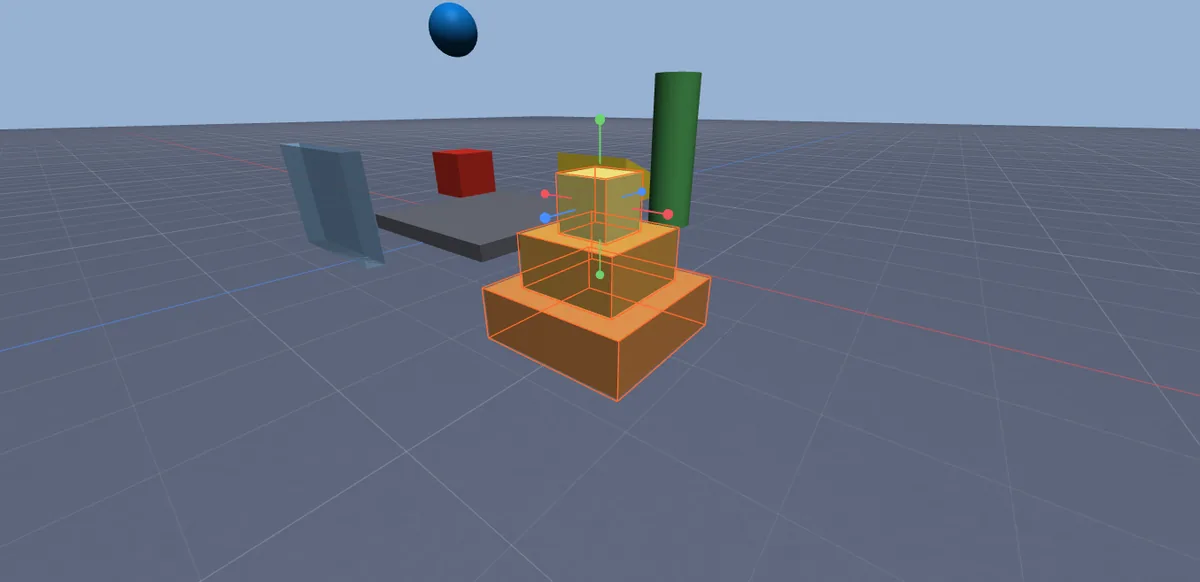
Scale
Ctrl 3Resize one face at a time, just like Studio, snapped to whole studs.
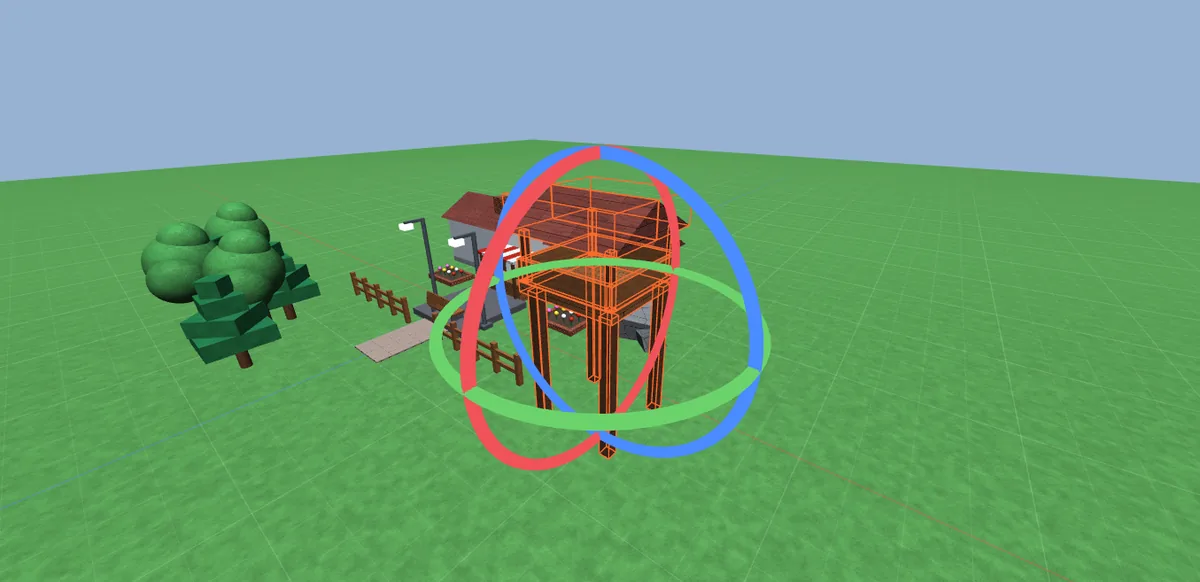
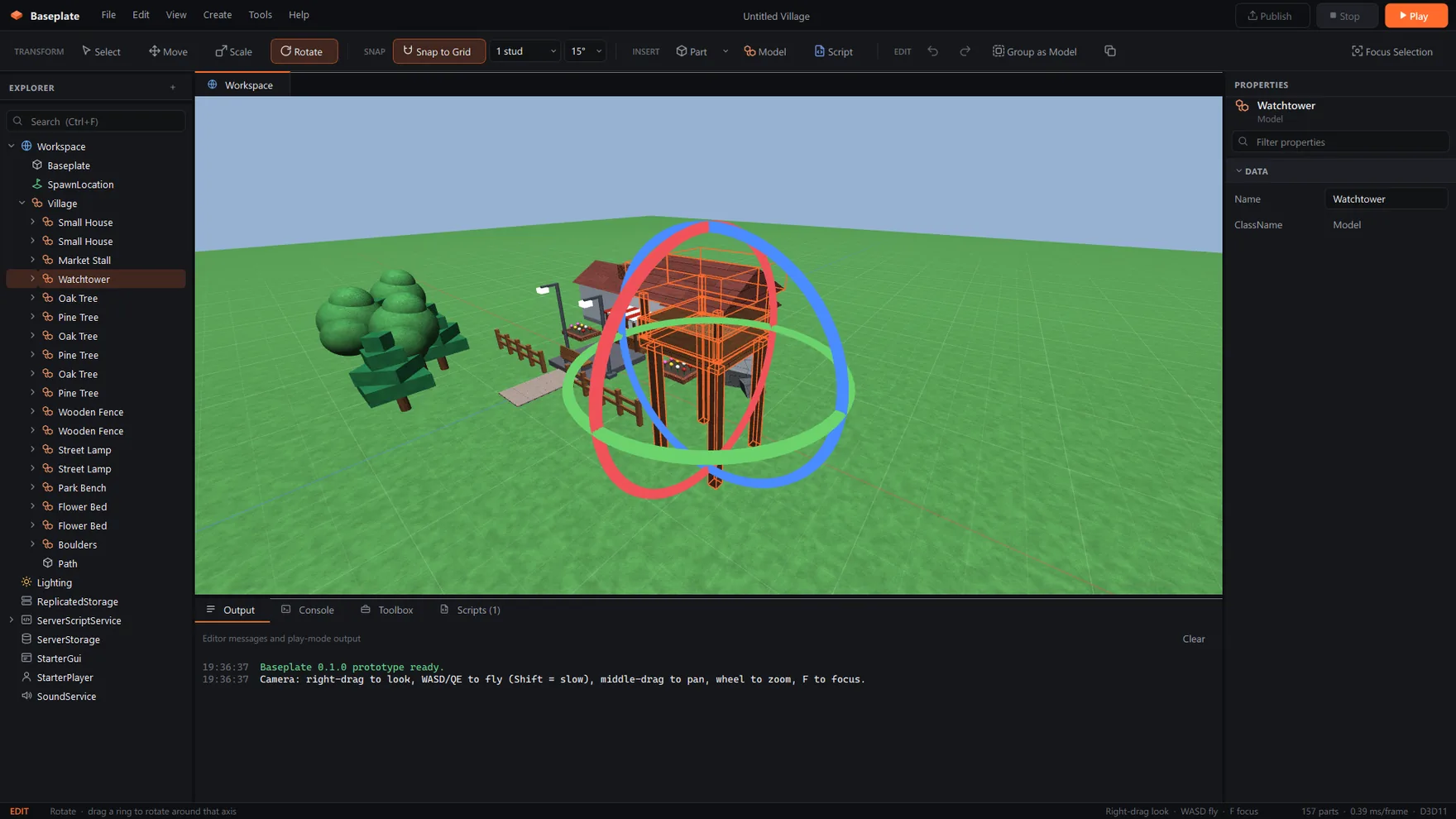
Rotate
Ctrl 4Turn around any axis in 15° steps, or switch snapping off for free rotation.
Live Properties
Edit the selection and filter properties by name.
Luau script editor
Syntax highlighting and auto-indent. Scripts open as tabs.
Play mode
Press F5 and unanchored parts fall and collide. Stop puts everything back.
Explorer that keeps up
Search, drag to reparent, group, rename. Fast with huge places.
Union, Negate, Separate
Combine parts, cut holes and split unions apart again.
Lighting like Studio
Your place's sky, sun, shadows, point and spot lights, fog and atmosphere.
Roblox materials
Roblox's own material textures, plus your custom MaterialVariants.
Edit GUIs on screen
Lay out ScreenGuis, Frames and labels on screen, not just in Properties.
29 assets. Zero mystery scripts.
Everything in the Toolbox is made by the Baseplate team. Drag it into your world and it just works. Obby pieces and gameplay items come with readable Luau you can learn from.
Oak Tree/ Pine Tree/ Bush/ Boulders/ Flower Bed/ Small House/ Brick Wall/ Staircase/ Wooden Fence/ Wooden Bridge/ Watchtower/ Market Stall/ Park Bench/ Picnic Table/ Street Lamp/ Crate Stack/ Barrel/ Traffic Cone/ Signpost/ Kill Brick/ Lava Floor/ Jump Pad/ Spinning Bar/ Moving Platform/ Climbing Truss/ Checkpoint/ Finish Pad/ Coin/ Leaderstats
NatureBuildingsPropsObbyGameplay
 Jump Pad Script · Luau
-- Launches characters upwards when they step on the pad.
local pad = script.Parent
local BOOST = 120
local cooldown = {}
pad.Touched:Connect(function(hit)
local character = hit.Parent
local root = character and character:FindFirstChild("HumanoidRootPart")
if root and not cooldown[character] then
cooldown[character] = true
local v = root.AssemblyLinearVelocity
root.AssemblyLinearVelocity = Vector3.new(v.X, BOOST, v.Z)
task.wait(0.5)
cooldown[character] = nil
end
end)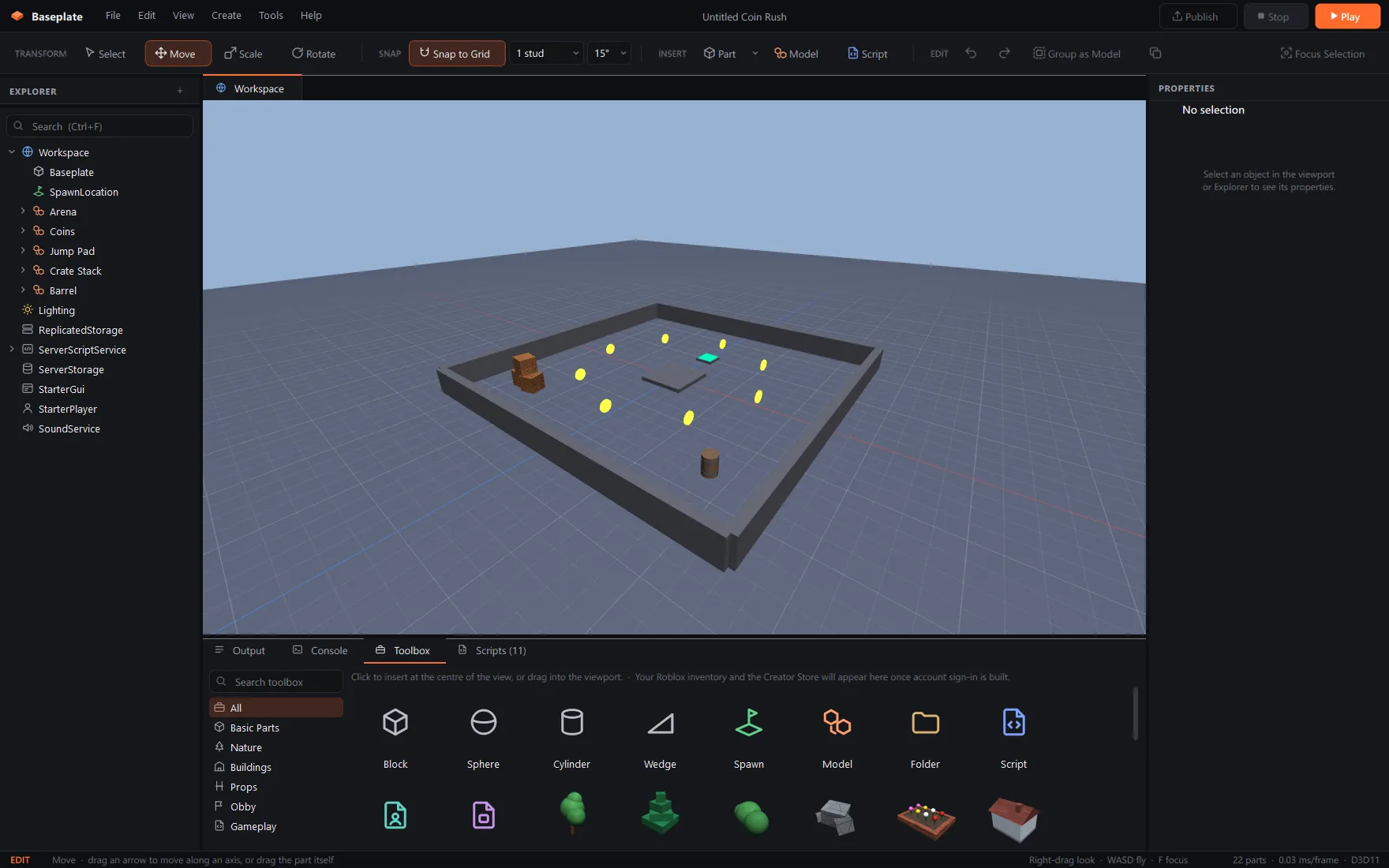
Start from something fun.
Every template is a normal project. Pull it apart, learn how it works, make it yours.
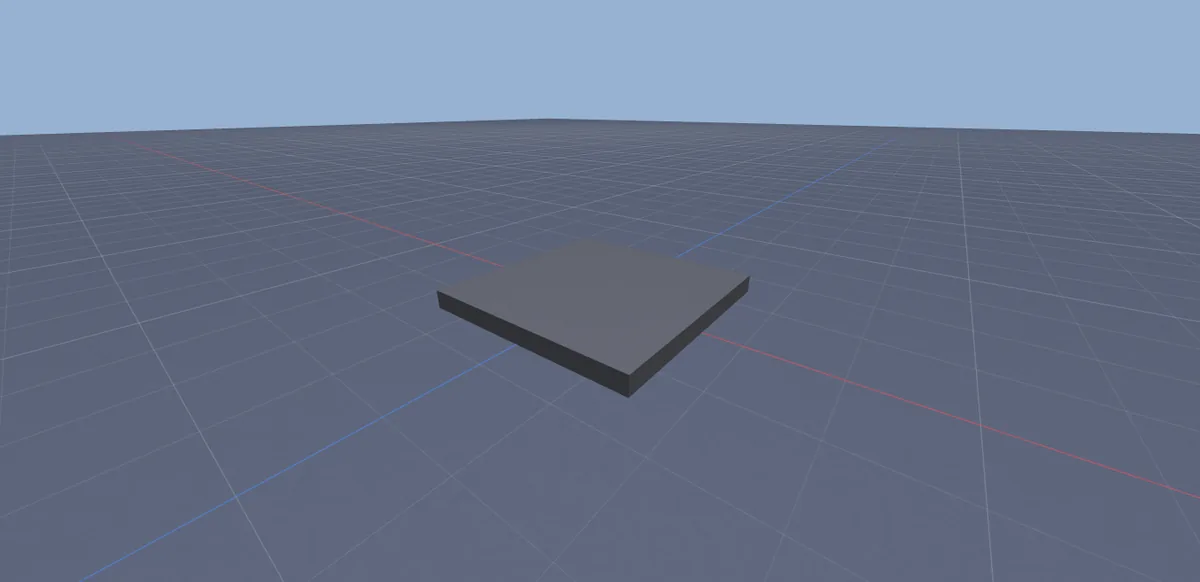
Baseplate
An empty baseplate and a spawn. The classic start.
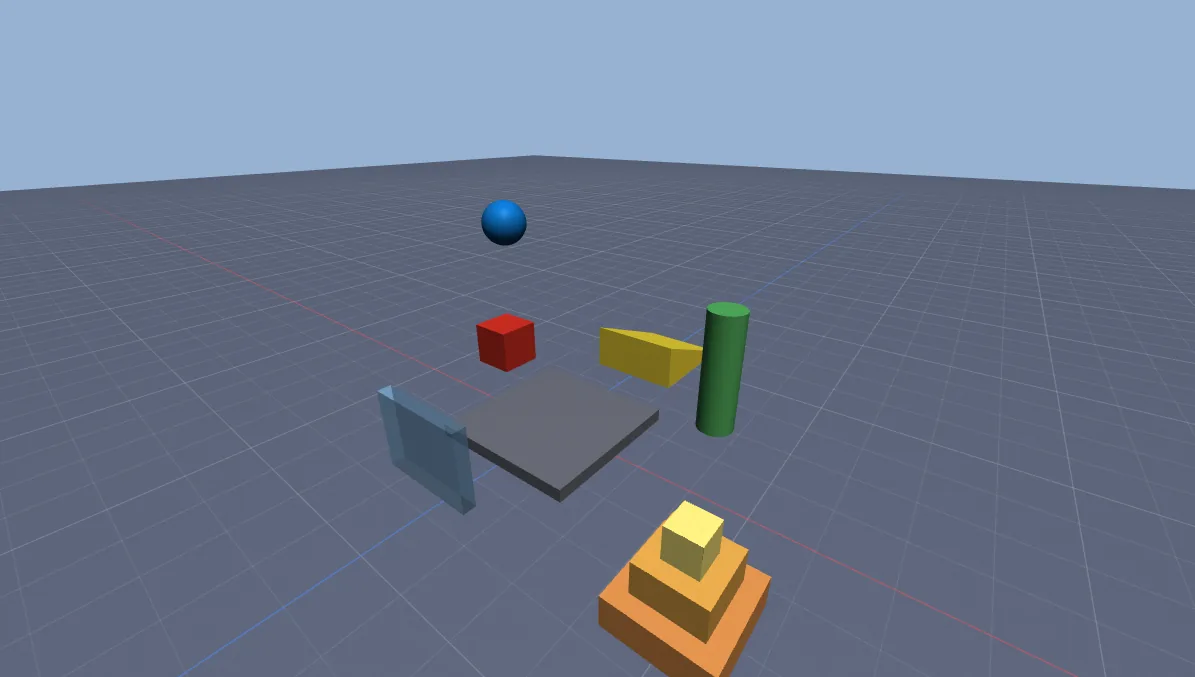
Starter Scene
A few parts to play with, including physics.
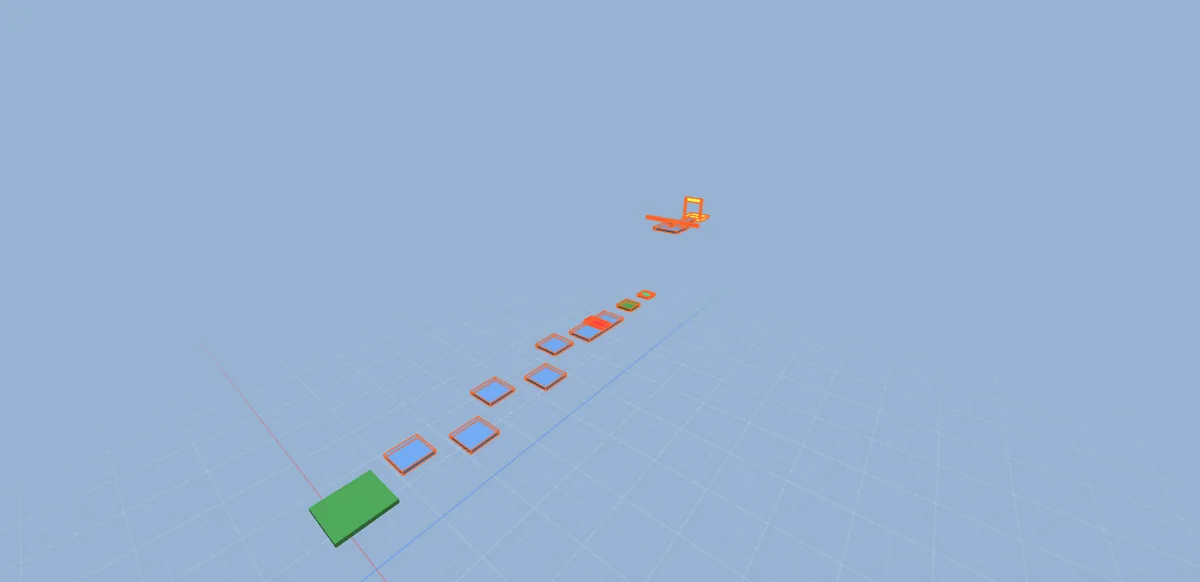
Obby
Kill bricks, a checkpoint, a jump pad and a finish.
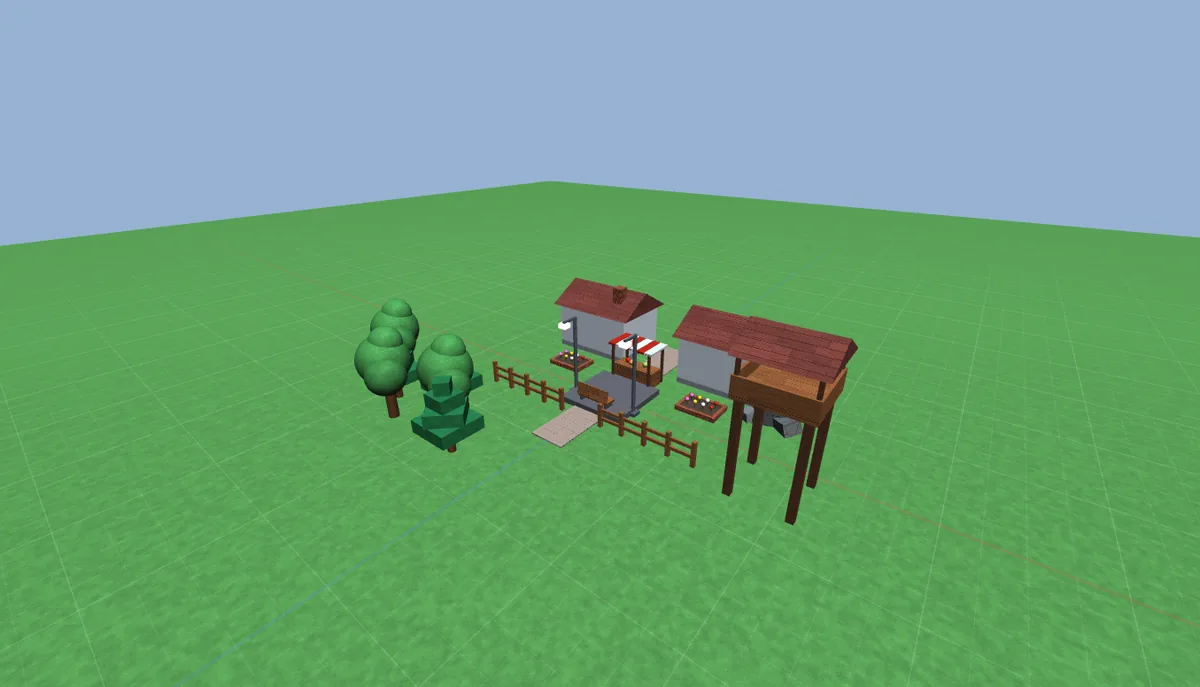
Village
Houses, a market, trees and lamps on grass.
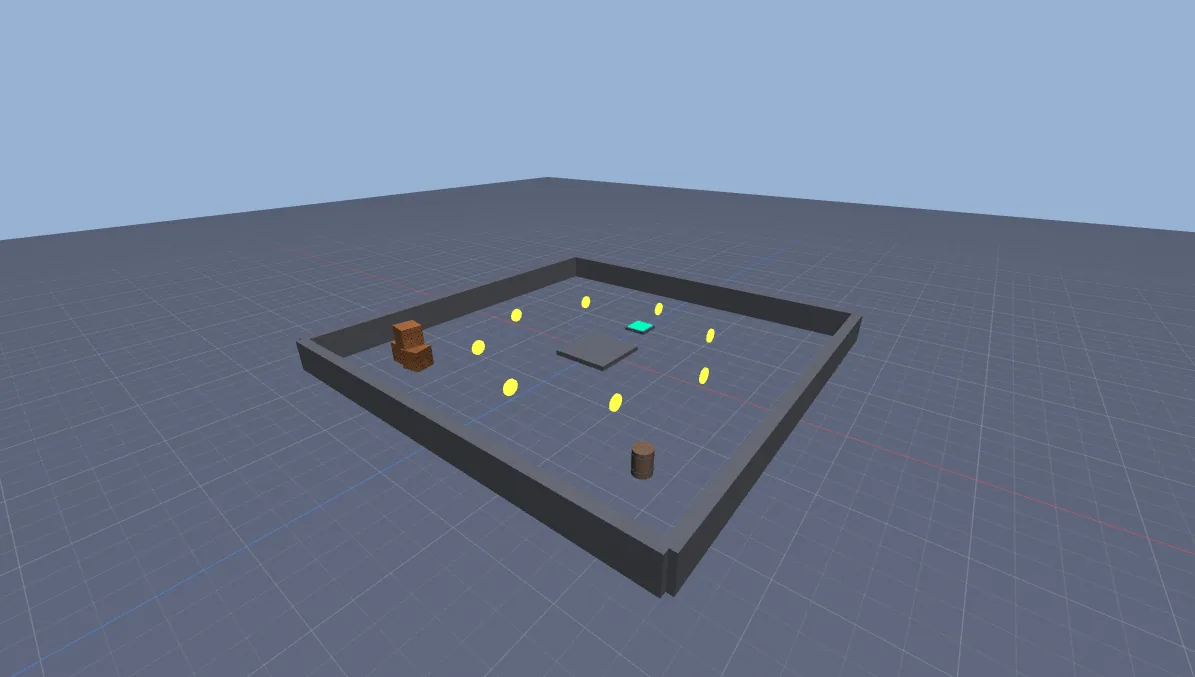
Coin Rush
A walled arena with collectible coins and working leaderstats.
Your Studio muscle memory still works.
Right-drag to look, WASD to fly, F to focus. The camera, tools and shortcuts behave the way your hands expect. Try pressing a few.
Early. Honest. Moving fast.
Baseplate is in early development. Here's exactly what works today and what's coming. Full changelog
Done v0.3
- Editor, Explorer, Properties, transform tools and undo
- Open Studio places with MeshParts, unions, textures and materials
- Lossless export back to Studio as
.rbxlor.rbxlx - Studio-style lighting, sky and atmosphere
- Sign in with Roblox, installer and auto-update
Next
- Terrain
- Run Luau scripts in Play mode
- Code-signed installer
Later
- Publish to Roblox through the official Open Cloud API
Go build something.
Free while it's in development. No admin rights, and it keeps itself up to date. Downloads open soon: join the Discord to hear first.